iOS obfuscation for Cocos projects
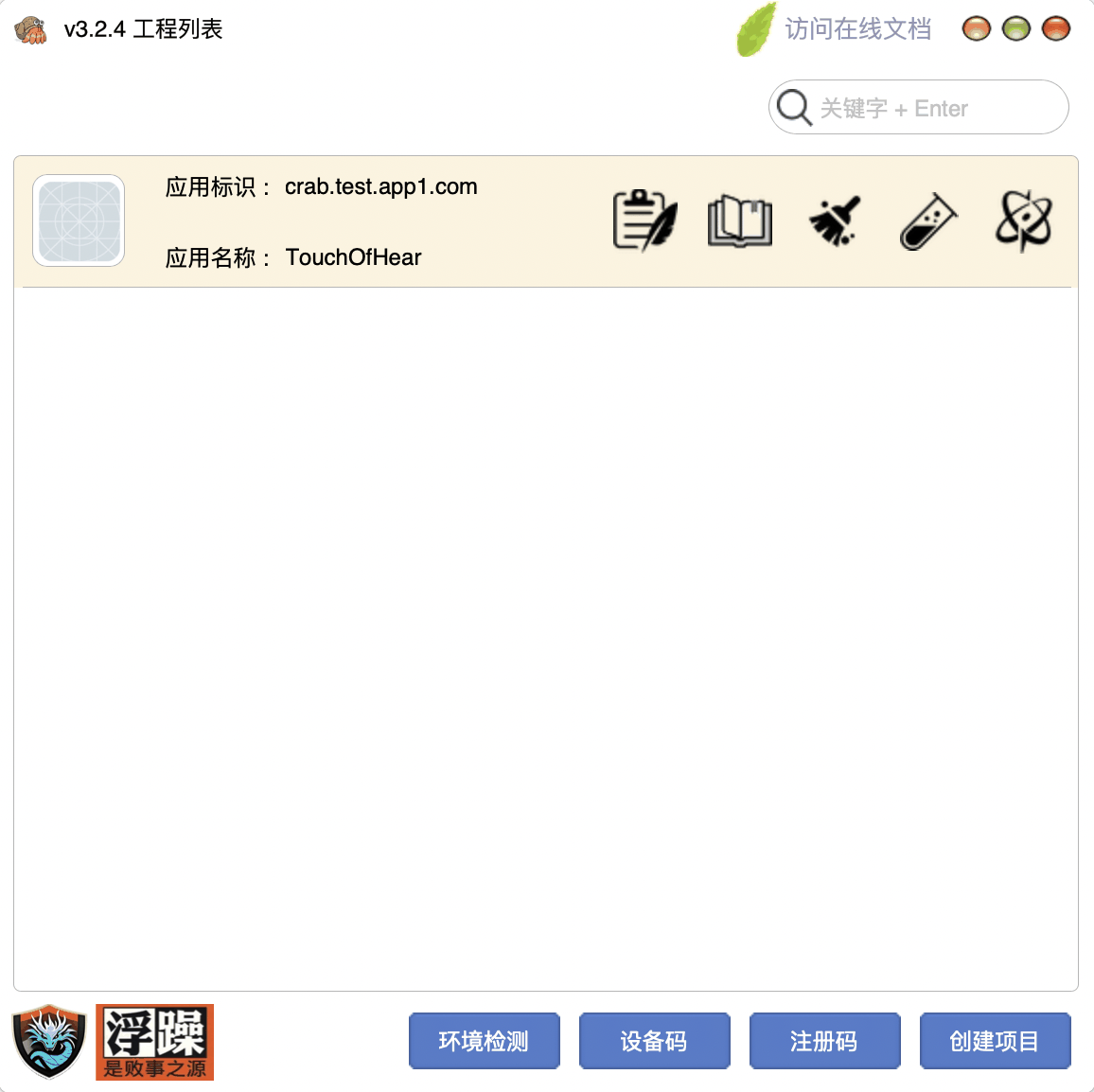
Cocos Creator, Cocos Quick, and cocos2d-x ship through an Xcode project. Crab obfuscates that project at build time—languages, call stacks, and resources—same family as Unity. If your title is uni-app, stop here and read IPA hardening instead.
What Crab covers
C/C++/ObjC (and JS/Lua payloads as resources) on the exported tree, plus resource rename/encryption. Static .a / static frameworks can be included; Dynamic MachO frameworks cannot use the confuse entry. Protecting a Framework at IR is Crab Directed Hardening. You can debug the extra Xcode target after the run.
Before you start
A clean Xcode build, matching Bundle Id, Manual signing, COSDK .framework + .dat on the target. Step-by-step: Cocos obfuscation guide, and the docs for Creator/Quick and cocos2d-x.
4.3 / 2.3.1 still depend on metadata honesty. See those pages if the rejection is about duplicates or leftover brands.
Request a trial, then archive and submit
Download App Center, choose the General or Uni-app edition, then apply for a license on the registration-code page. The docs cover the operator steps.