iOS obfuscation for Unity projects
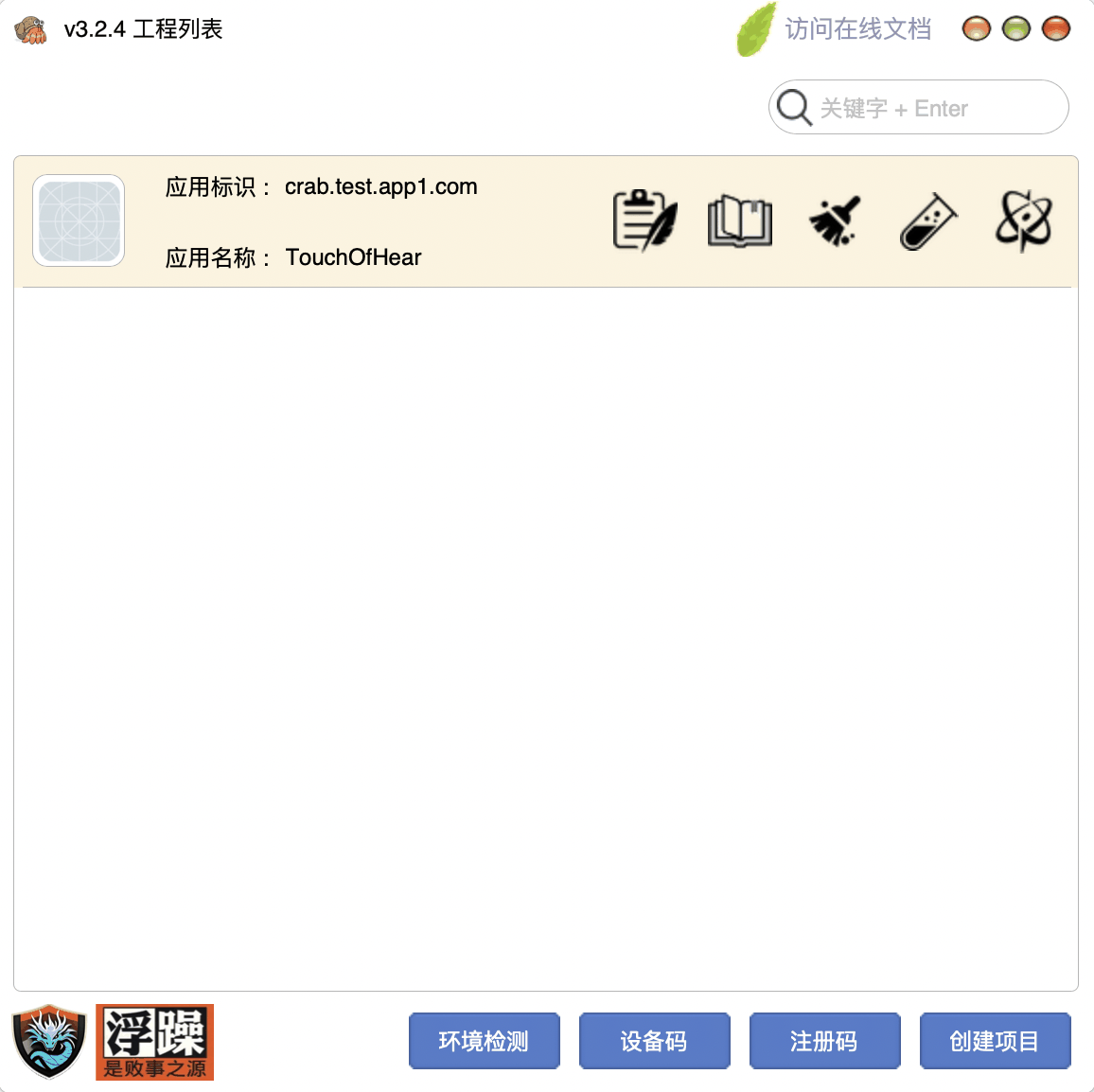
Unity iOS builds are Xcode projects generated by the editor, usually with IL2CPP, a large Data folder, and native plugins. Reviewers see that whole tree, not the Unity Editor project. If two games share the same exported layout, plugin names, and resource folders, they look related even when gameplay differs.
What to prepare in Unity
Export with the iOS target you actually submit (device SDK, matching scripting backend). Set Bundle Id, signing team, and version in Unity or in Xcode, then keep them consistent. Do not zip an old Xcode folder from another title and only change the display name. Step-by-step notes are in Obfuscating a Unity-exported iOS project.
What Crab covers
Since the v1.3 line the tool has supported Unity3D iOS exports: C/C++/ObjC/Swift on the native side, plus resource renaming and encryption for the exported payload. Call-stack obfuscation applies to the compiled languages in the archive. Dynamic MachO frameworks are still out of the confuse flow; static .a and static frameworks can be included. To protect a Framework itself at IR (OLLVM-like), use Crab Directed Hardening. You can debug the obfuscated binary in Xcode after the run.
Common pitfalls
The exported Xcode project must contain C++ source. Builds that ship GameAssembly with no matching C++ files cannot be obfuscated — re-export a C++-source project first. Other frequent failures: leaving Xcode open on the same project while obfuscation restores files; missing signing (Debug and Release); several files that compile to the same .o name. These are documented under 「混淆开始」 and 「排除混淆设置」 on the docs site.
If your rejection cites 4.3 or 2.3.1, read those pages as well. Pricing for a single Bundle Id versus multiple isolation sets is on Pricing.
Request a trial, then archive and submit
Download App Center, choose the General or Uni-app edition, then apply for a license on the registration-code page. The docs cover the operator steps.