A 4.3 letter is not a compiler error. It is a comparison: this listing looks like spam or like another app. Before you buy any tool, write down which app Apple might be comparing you with — your own older listing, a removed title, or a competitor you accidentally cloned in metadata.
Store listing first
Export screenshots and the description from App Store Connect. Diff them against every app in the same developer account and against the last rejected build. Change subtitle, promotional text, and preview video if they still describe the previous product. If two listings sell the same screen flow, 4.3 is a product problem, not a binary problem.
Then the IPA
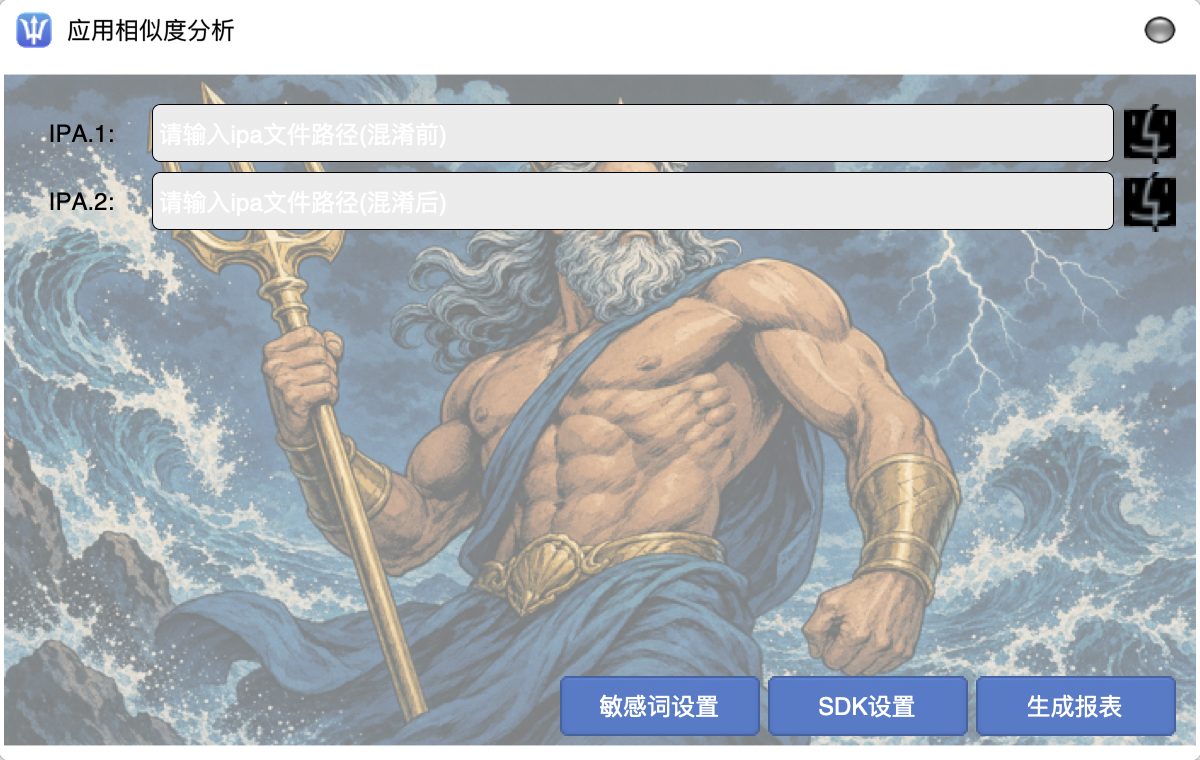
Unzip the IPA and list Frameworks, Plugins, and the asset catalog. Search strings for the old display name. If class dumps or otool show the same type names as a sibling app, compile-level renaming is in scope. Crab’s language and call-stack passes, plus resource renaming, are meant for that layer.
After you change the binary
Archive from a clean tree. Do not upload a build that still contains the old icon set “just for testing”. Confirm signing and Bundle Id. Read the 4.3 solution page and the docs for the actual button flow. If the letter also mentions accuracy of metadata, continue with 2.3.1 triggers.
Resubmission without a written diff of listing + IPA is how teams burn weeks. Obfuscation helps when the remaining overlap is structural. It does not rewrite your business to be a new app.
Request a trial, then archive and submit
Download App Center, choose the General or Uni-app edition, then apply for a license on the registration-code page. The docs cover the operator steps.